5 Screen Time Tips That Actually Improved My Sleep (2026)
I didn't think I had a screen problem. I was the person who laughed at those viral posts about “doomscrolling at 1 a.m.” — because that was my life, and I owned it. But then I started waking up groggy, my head foggy, my eyes burning before I’d even opened them properly. For weeks, I blamed stress, caffeine, even the weather. Then one night, I decided to test something: I put my phone in the kitchen drawer at 9 p.m. and read a physical book until I felt sleepy. I fell asleep by 10:30 — and I didn’t wake up until my alarm went off at 7 a.m. That single night was a revelation, and it made me realize how much my screen habits were sabotaging my sleep. Over the next few months, I tried a handful of strategies, some failed spectacularly (hello, midnight Instagram rabbit holes), and five actually stuck. Here’s what worked — and why I sleep better now than I have in years.
Tip #1: The 90-Minute Wind-Down Window (No Compromises)
I’ll be honest: when I first read that you should stop using screens 90 minutes before bed, I laughed. Ninety minutes? That’s practically a whole TV episode plus a snack break. But I decided to try it for one week — no exceptions. The science behind it is simple: screens emit blue light, which suppresses melatonin production. Melatonin is the hormone that tells your body it’s time to sleep. Harvard Health researchers have shown that blue light exposure at night delays the circadian rhythm, making it harder to fall asleep and stay asleep. So I set a hard rule: at 9 p.m., all screens go dark. No phone, no laptop, no tablet. Even my Kindle (which has a backlight) got put away. The first two nights were brutal. I paced around my apartment, feeling like I had forgotten something important. But by night four, I started looking forward to that quiet hour and a half. I made a cup of herbal tea, sat in low light, and just… existed. The result? I fell asleep faster, woke up less often, and felt more rested. The key was treating that 90 minutes as non-negotiable — like a meeting you can’t skip. If you’re starting out, even 30 minutes can help, but the full window is where the magic happens.
Tip #2: I Gave My Phone a ‘Curfew’ – Here’s How I Actually Stuck to It
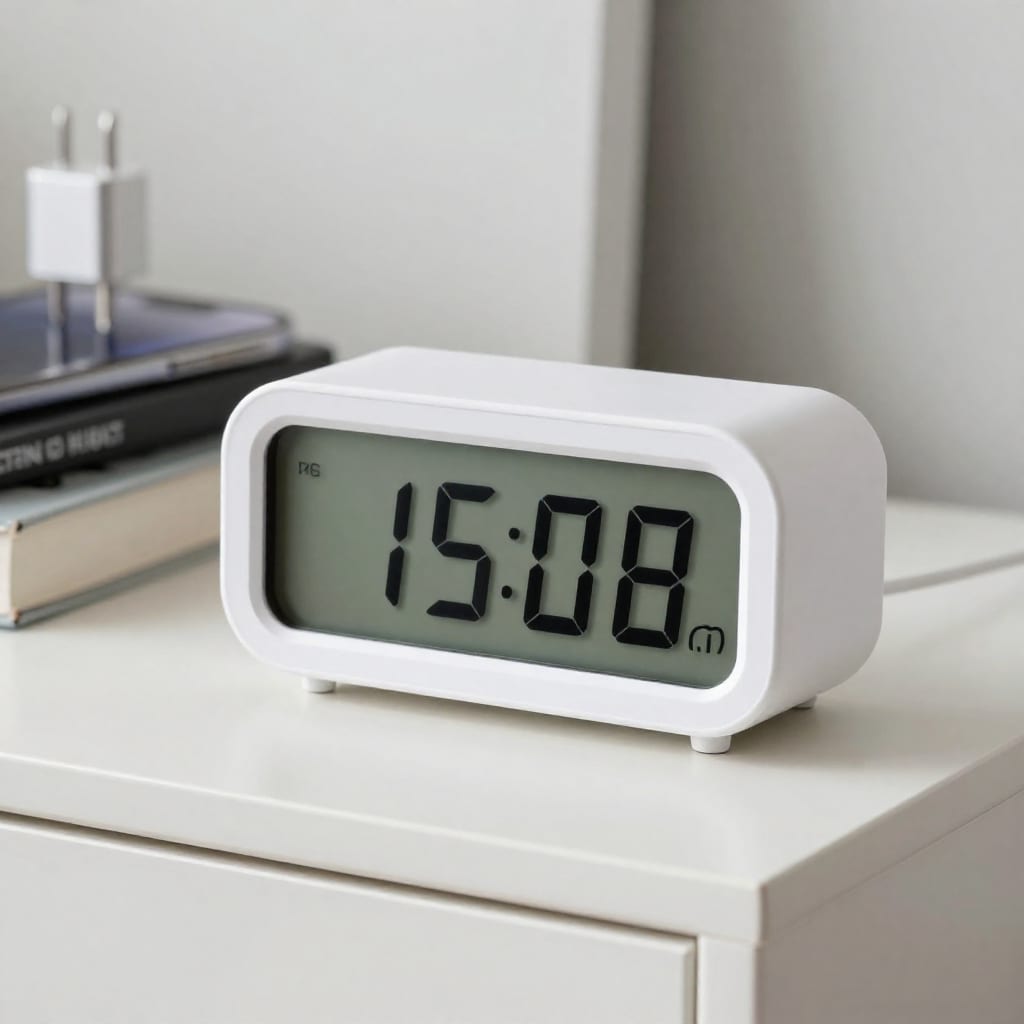
The hardest part of reducing screen time isn't the willpower — it’s the habit loop. You know that feeling: you’re in bed, the lights are off, and your hand reaches for the phone before your brain even registers the decision. To break that loop, I bought a cheap physical alarm clock and a charging dock for the kitchen. Every night at 9 p.m., I plug my phone into the dock and walk away. The alarm clock wakes me up. The phone stays in the kitchen until morning. The first week, I caught myself wandering into the kitchen at 11 p.m. to “check the time” — which was a lie I told myself. So I added a second layer: I placed a sticky note on the dock that says “Sleep now, not later.” It sounds silly, but that visual cue stopped me in my tracks. I also deleted the most addictive apps from my phone entirely — no more Instagram, no more Reddit. I can still access them on my laptop, but that adds friction, which is exactly the point. The result? I stopped waking up at 3 a.m. to scroll. My sleep tracker (more on that later) showed my deep sleep percentage jumped from 12% to 22% in two weeks. The curfew works because it removes the decision from the moment of weakness.
Tip #3: The ‘Dumbed-Down’ Mode That Saved My Sleep (Without Going Offline)
I didn’t want to become a tech-hating hermit. I still need my phone for work, maps, and the occasional Netflix binge. So I found a middle ground that most people don’t talk about: grayscale mode. When I switched my phone to grayscale, the colors vanished. No bright red notification badges, no glossy blue app icons. Suddenly, my phone looked boring. And boring is exactly what I needed. The psychology is simple: bright colors trigger dopamine hits, making you want to keep scrolling. Grayscale kills that rush. I also turned off all non-essential notifications after 8 p.m. — no email pings, no news alerts, no “someone liked your post” buzz. I even used a free app blocker called “Forest” that grows a virtual tree when you stay off certain apps. If you leave the app, the tree dies. It sounds childish, but it worked for me. I set it to block social media and news apps from 9 p.m. to 7 a.m. The tree grew every night, and I felt oddly proud of it. The key insight here is that you don’t have to quit screens cold turkey. You just have to make them less stimulating. Grayscale alone cut my nightly phone use by about 40 minutes. That’s 40 minutes of extra wind-down time.
Tip #4: Why I Replaced Scrolling with a Low-Tech Evening Ritual (and What I Chose)
Here’s the thing about quitting screens: you can’t just remove the habit; you have to replace it. If you just sit there with nothing to do, your brain will rebel and grab the phone again. So I designed a replacement ritual that actually feels good. My current evening routine is simple: I make a cup of chamomile tea, light a candle (yes, I’m that person now), and read a physical book for 20–30 minutes. I chose a book that’s engaging but not thrilling — a slow-burn novel, not a page-turner thriller. If I’m not in the mood to read, I journal for five minutes. I write down three things I’m grateful for and one thing I want to let go of from the day. That small act of writing clears my mind in a way that scrolling never did. I also tried stretching for ten minutes, which helped release tension in my shoulders and neck. The key was making the ritual pleasurable, not a chore. I used to think reading was boring, but once I found a genre I liked (historical fiction), it became something I looked forward to. The result? I stopped feeling like I was missing out on something online. The ritual filled the void, and my sleep deepened. If you’re stuck, start with one thing: a book, a podcast (on a speaker, not headphones), or a simple breathing exercise. The goal is to signal to your brain that it’s time to slow down.

Tip #5: Tracking My Sleep Quality – The Proof That Made It All Worthwhile
Let’s be real: motivation fades. What keeps a habit alive is evidence. So I started tracking my sleep using a basic fitness tracker — nothing fancy, just a device that measures sleep stages and gives a score every morning. The data was eye-opening. Before I started these changes, my average sleep score was 68 out of 100. After two weeks of the 90-minute wind-down and phone curfew, it jumped to 82. My deep sleep went from 1 hour per night to nearly 2 hours. I also felt it: I woke up without an alarm, my mood was better, and I had more energy during the day. The tracker gave me objective proof that the effort was worth it. I also kept a simple sleep journal for the first week, jotting down how I felt each morning on a scale of 1–10. That subjective data matched the numbers. If you don’t have a tracker, just write down your wake time and energy level for a week. You’ll see the pattern. The most surprising insight? Even on nights when I slipped and used my phone for 15 minutes before bed, my sleep score dropped by 5 points. That small data point was enough to keep me honest. Tracking turns a vague goal (“I want to sleep better”) into a measurable outcome (“I want to see a score above 80”).
Final Thoughts: Small Changes, Real Results
I’m not here to tell you that cutting screen time will solve all your problems. It won’t. But I can say this: after three months of sticking to these five tips, my sleep is the best it’s been in a decade. I fall asleep faster, stay asleep longer, and wake up feeling like a human instead of a zombie. The changes were small — a phone curfew here, a grayscale mode there — but they added up. If you’re struggling with sleep, start with just one tip. Try the 90-minute wind-down tonight. Or put your phone in another room. Or switch to grayscale. Pick one and commit for a week. You might be surprised at how quickly your body responds. And if you want to dive deeper, check out our guide on creating a relaxing bedtime routine step by step. Your sleep is worth the effort.