6 Essential Tips for Staying Healthy While Working From Home Long Term
Three years into working from my dining table, I noticed a dull ache in my lower back that wouldn't quit. My shoulders crept up toward my ears by noon, and by 3 PM I was squinting at the screen like I'd forgotten my glasses. I'd convinced myself that remote work was a dream—no commute, flexible hours, my own coffee. But my body was sending a different memo. Turns out, I wasn't alone. A 2024 survey by Buffer found that 98% of remote workers want to continue working remotely at least some of the time, but the same report flagged physical and mental health as the top concerns. The problem isn't working from home—it's working from home badly. Here's what I learned the hard way, and what the research backs up: six essential tips for staying healthy while working from home long term.
1. Engineer Your Workspace to Prevent Physical Strain
The first thing I did wrong was use a kitchen chair and a stack of books for a monitor stand. Within weeks, my neck felt like I'd been in a car accident. Proper ergonomics aren't a luxury—they're a baseline for not wrecking your spine over months of daily use.
Start with your chair. Your feet should rest flat on the floor, knees at a 90-degree angle. If your chair doesn't adjust, grab a cushion or a rolled-up towel for lumbar support. Next, your monitor: the top of the screen should be at or just below eye level, about an arm's length away. I finally bought a $30 monitor riser, and it made more difference than a $300 chair upgrade.
Don't forget your keyboard and mouse. Your elbows should hang at your sides, forearms parallel to the floor. If your desk is too high, try an under-desk keyboard tray. The Mayo Clinic's ergonomics guidelines confirm that proper alignment can reduce strain by up to 40%. The key takeaway: your setup doesn't need to be expensive, but it does need to be intentional. Measure once, adjust twice, and your back will thank you.
2. Build a Movement Routine That Breaks the Sedentary Cycle
Sitting eight hours a day isn't just uncomfortable—it's linked to increased risks of heart disease, diabetes, and early death, according to Harvard Health. But the fix isn't a single gym session. It's micro-movements sprinkled throughout the day.
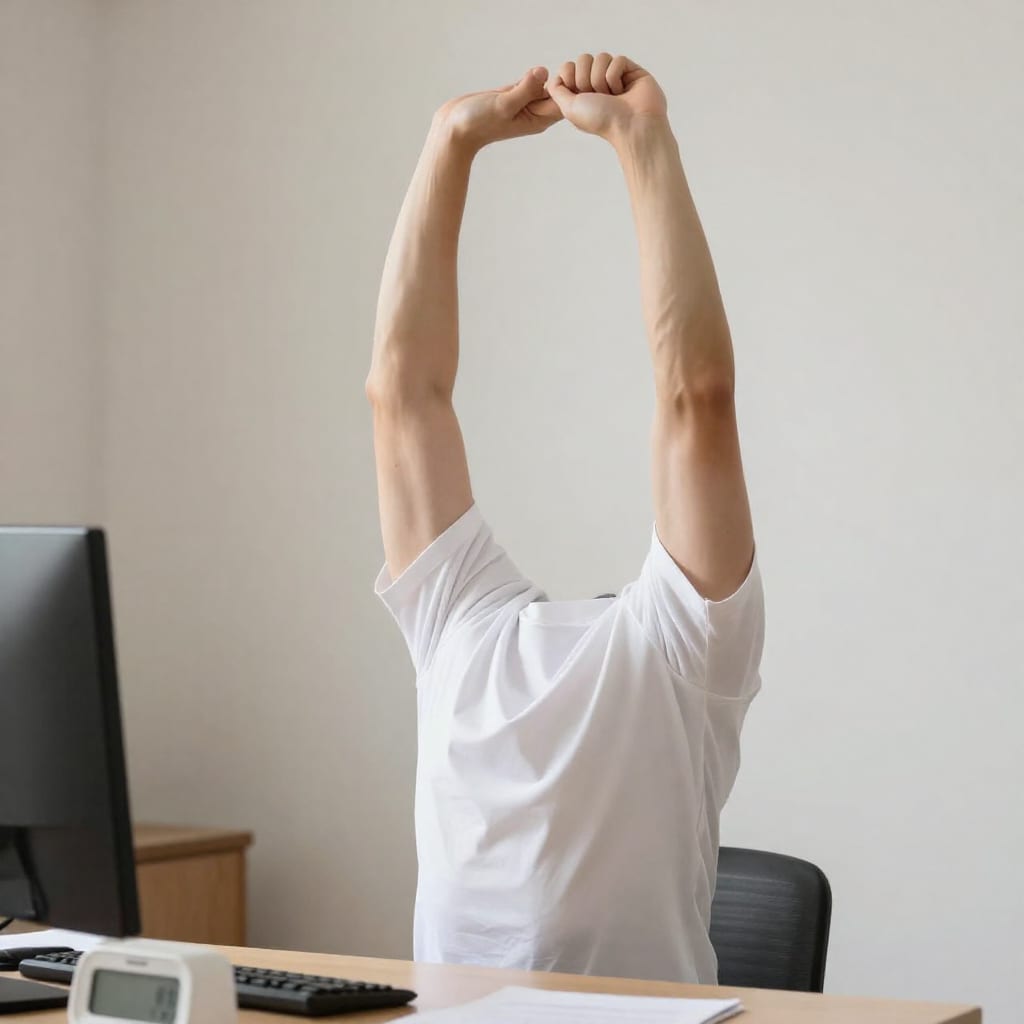
I started with a timer. Every 45 minutes, I stood up, walked to the kitchen, and did ten calf raises or a quick stretch. It felt silly at first, but within a week my afternoon slump faded. The trick is to make movement inevitable: keep a water bottle on your desk so you refill it often, take phone calls standing or pacing, or set a recurring calendar block for a five-minute walk at 11 AM and 3 PM.
One counter-intuitive insight: don't aim for a 30-minute workout during your lunch break. That can feel like a chore and lead to skipping. Instead, aim for three 10-minute walks across the day. A study from the University of Utah found that short, frequent breaks improved metabolic health more than a single bout of exercise. The science backs the sneakers.
3. Protect Your Eyes and Mind from Screen Fatigue
My eyes were the first to revolt. By 4 PM, they'd burn, water, and refuse to focus. I blamed my monitor, but the real culprit was my own neglect. The American Academy of Ophthalmology recommends the 20-20-20 rule: every 20 minutes, look at something 20 feet away for 20 seconds. Simple, but I never did it. Until I added a sticky note to the bottom of my monitor: “Look out the window.”
Beyond the eyes, screen fatigue hits your brain. Constant notifications, tabs, and video calls drain mental energy. I now schedule two 30-minute “offline blocks” each afternoon—no screens, just a notebook and a window. The result? I get more done in less time, and my headaches have all but disappeared.
Another practical tactic: adjust your screen's brightness to match your room and enable a blue-light filter after sunset. And if you wear glasses, consider a pair with anti-reflective coating specifically for computer use. Your eyes are not designed to stare at a glowing rectangle for eight hours—give them a break.
4. Create Eating Habits That Fuel Focus, Not Slumps
The kitchen is two steps from my desk. That proximity was a disaster. I'd grab a handful of crackers mid-call, then another, and suddenly I'd eaten half a box without tasting a single one. Mindless snacking is the silent productivity killer of the remote worker.
The fix: structure your eating. I pre-portion snacks into small bowls—almonds, baby carrots, an apple with peanut butter—and only eat at scheduled times: 10 AM snack, 12:30 PM lunch, 3 PM snack. No eating while on calls or staring at spreadsheets. This alone cut my afternoon energy crashes by half.
For lunch, I batch-cook on Sundays: quinoa bowls with roasted veggies and chicken, or lentil soup that reheats in two minutes. The goal is to make healthy choices the easy default. When you're deep in a project, willpower is scarce—so remove the junk from your line of sight. I keep a fruit bowl on the counter and stash chips in a high cabinet. It sounds trivial, but it works.
5. Set Boundaries to Preserve Mental Health and Work-Life Balance
When your home is your office, the line between work and life blurs until it disappears. I used to answer emails at 9 PM, then feel anxious about not relaxing. The burnout came quietly, then all at once.
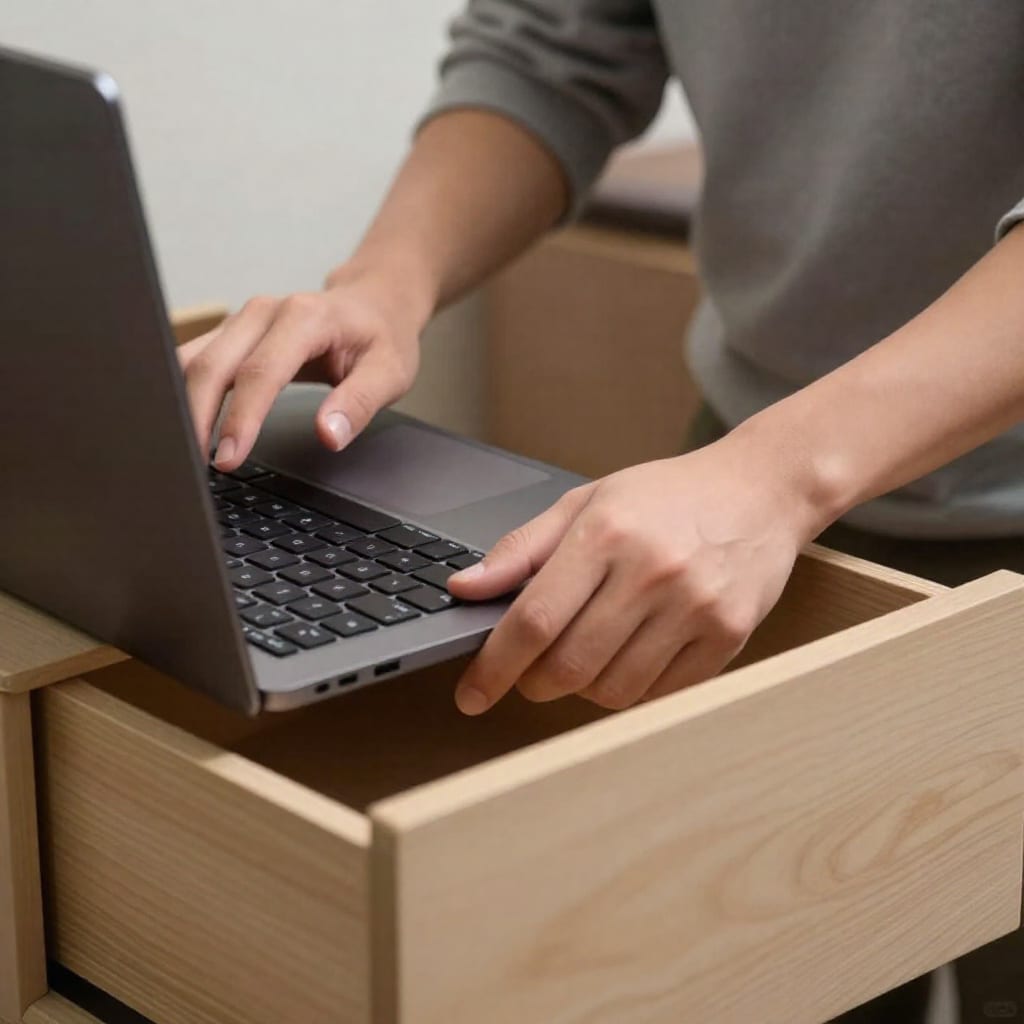
Here's what saved me: a hard end-of-day ritual. At 5:30 PM, I shut my laptop, put it in a drawer, and change clothes—even if I'm not going anywhere. That physical act cues my brain that work is done. I also designated a specific corner of my living room as “the office,” and I never take my work laptop into the bedroom.
For those in small apartments, it's trickier but possible. Use a room divider, a desk screen, or even a different chair for work versus relaxation. The key is separation, not space. I also set “office hours” on my calendar and communicate them to my team. They respect it, and I feel less resentful. Boundaries are not selfish—they're sustainable.
6. Prioritize Sleep and Social Connection for Long-Term Resilience
Two pillars I ignored for too long: sleep and people. My sleep schedule drifted—bedtime at midnight, waking at 6:30 AM groggy. And I went days without a real conversation beyond Slack messages. Both caught up with me.
Sleep is non-negotiable. I now set a consistent bedtime (10:30 PM) and a wind-down routine: no screens after 9:30, a cup of chamomile tea, five minutes of journaling. The result is more energy and clearer thinking. Harvard Health notes that chronic sleep loss impairs cognitive function and immune response—both critical for long-term remote work health.
Social connection is trickier. I schedule a weekly video coffee with a colleague and a monthly in-person meetup with local remote workers. It's not a cure for loneliness, but it's a lifeline. I also joined a small online book club that meets every other Tuesday. The goal is to create intentional touchpoints with other humans, not just screens. Isolation is a health risk—treat it like one.
Conclusion: Small Daily Habits That Add Up to Lasting Health
None of these tips are revolutionary. You've probably heard them before. But here's the thing: knowing isn't doing. The difference between struggling through remote work and thriving in it comes down to small, consistent choices. Start with one—adjust your monitor height, take a five-minute walk after lunch, or set a hard stop at 5:30 PM. Do that for a week, then add another. Health isn't a destination; it's a daily practice. Your home office can be a place where you flourish, not just function. Worth bookmarking this page before you sit down tomorrow morning.
Practical Takeaway: Pick one tip from this list and implement it today. Your body and mind will thank you in a month.